Aim
Your goal, always in view. A small card that floats over any app, your games included.
Version 1.0 · 1.5 MB · Windows 10 and 11 · Free
Does Windows show a warning when you open it?
Aim is not digitally signed yet, so Windows warns that it does not know the publisher. Choose “More info” and then “Run anyway”. Nothing is installed and no administrator rights are needed.
SHA-256 fingerprint of the file
e86e380923483a03166f7d9ea8e2bc5ab186e806140a20d6749c8919ddbadf79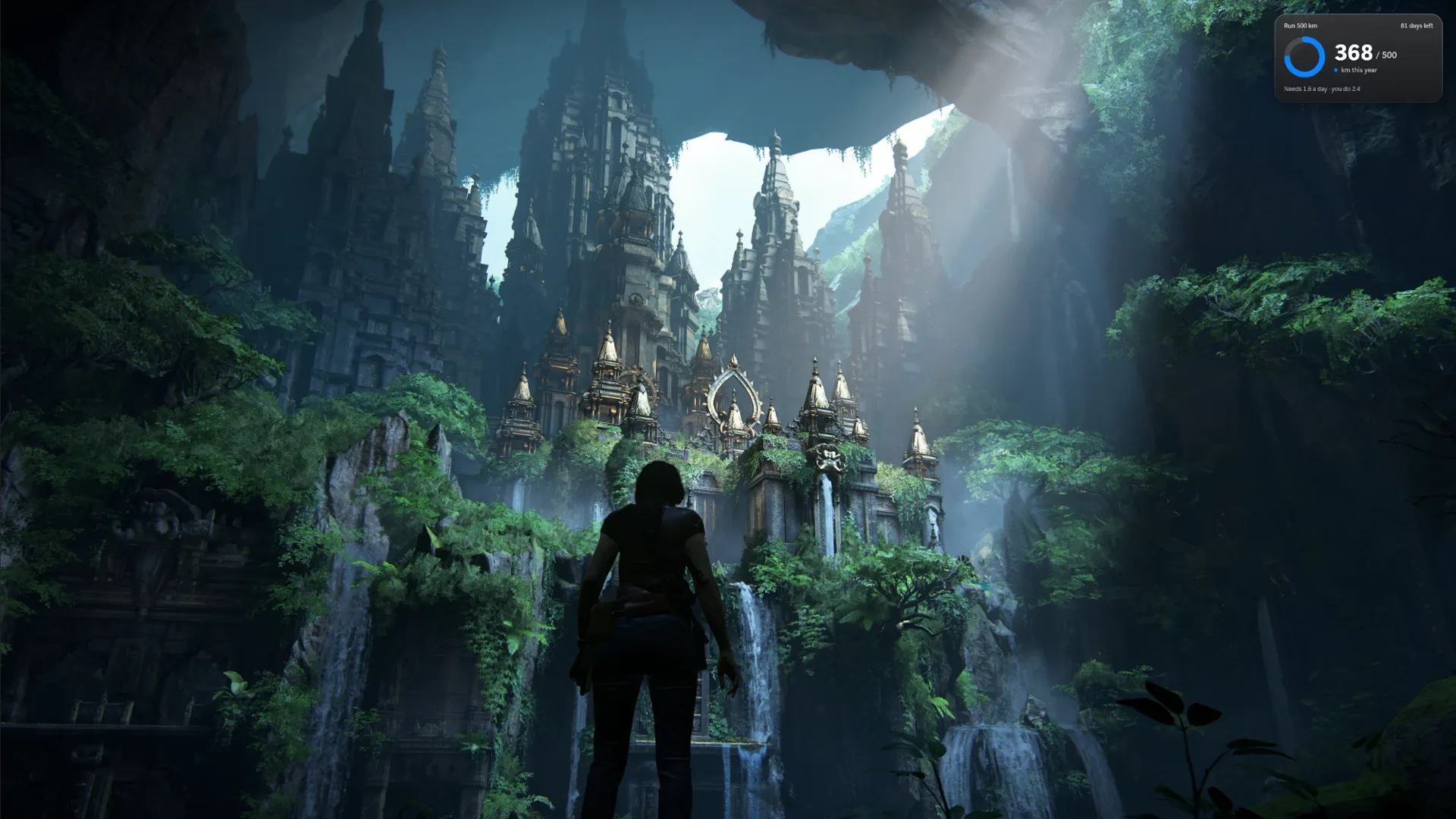
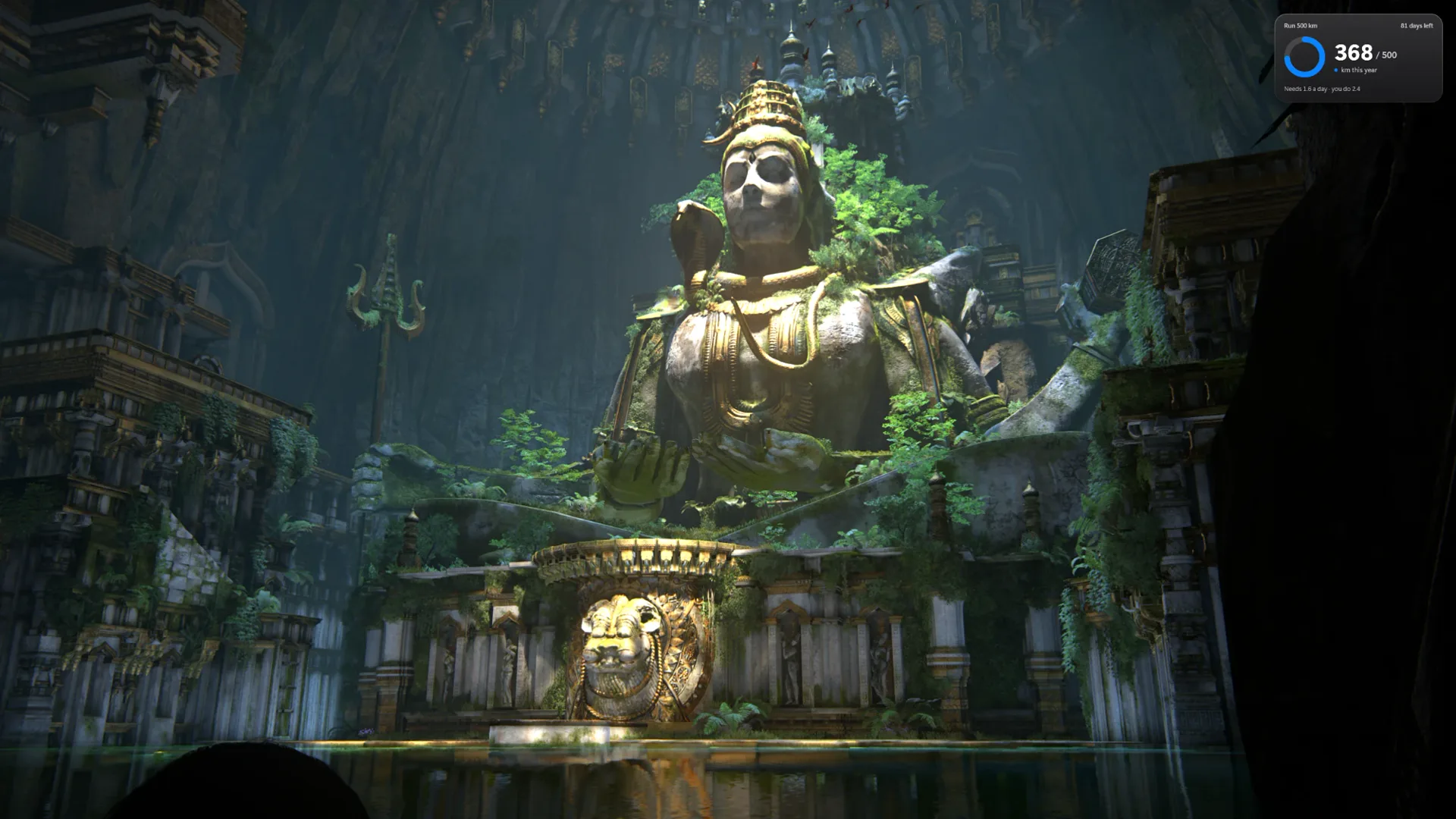
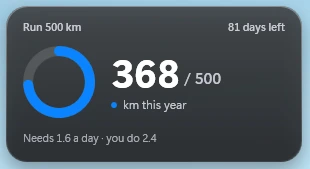
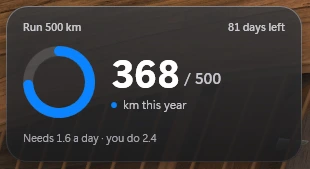
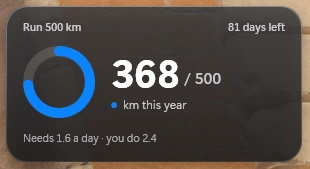
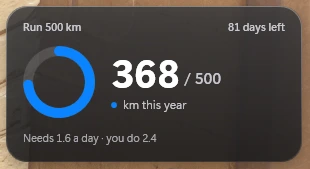
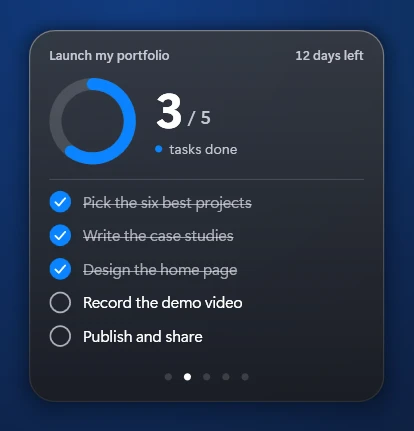
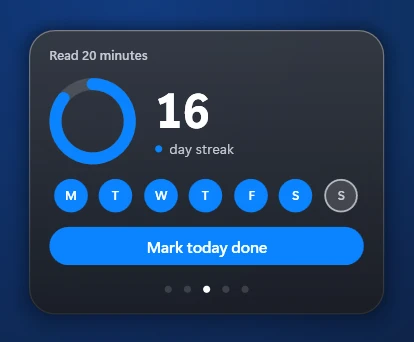
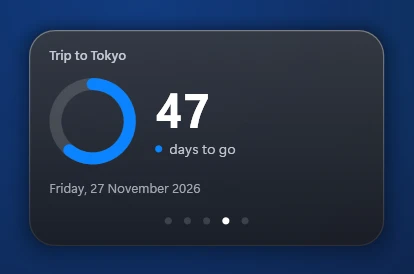
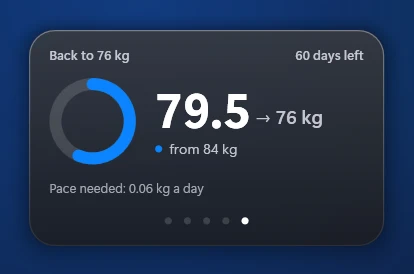
Real screenshots, unretouched. The card is the app.
Inside
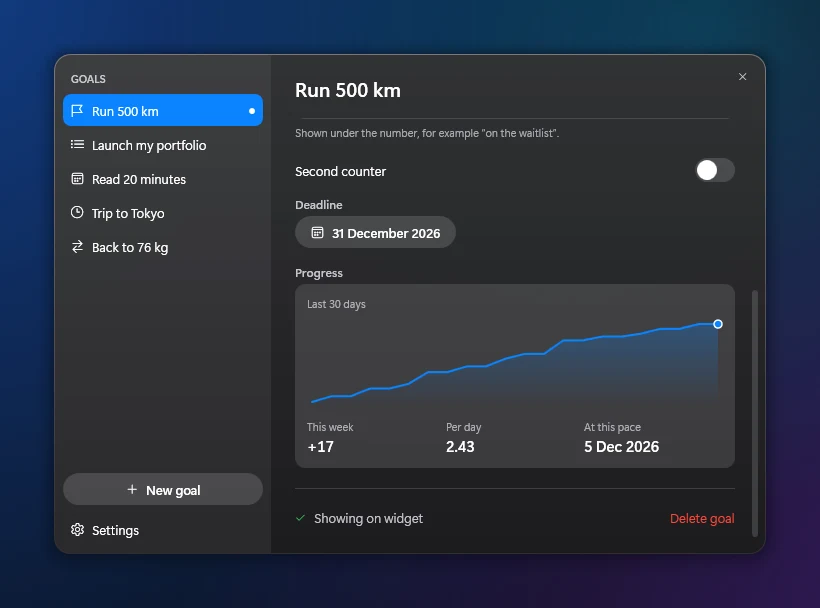
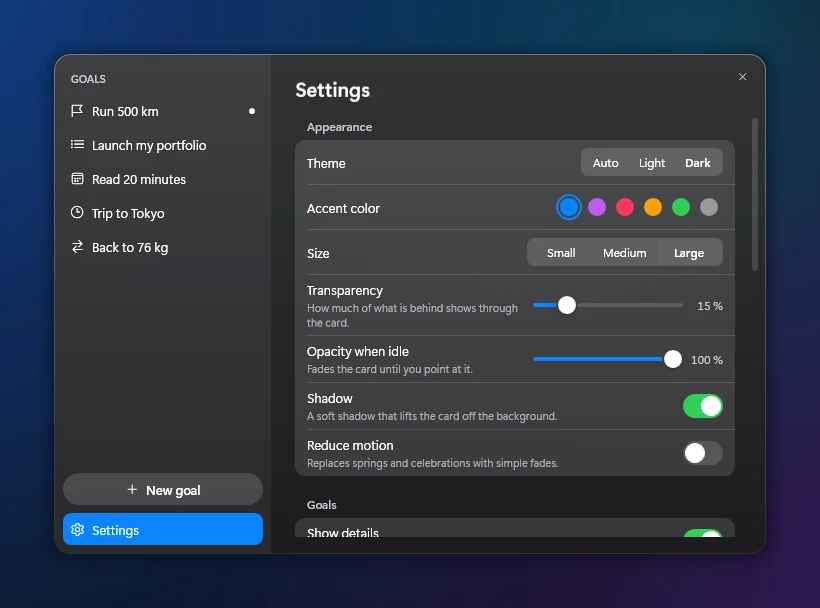
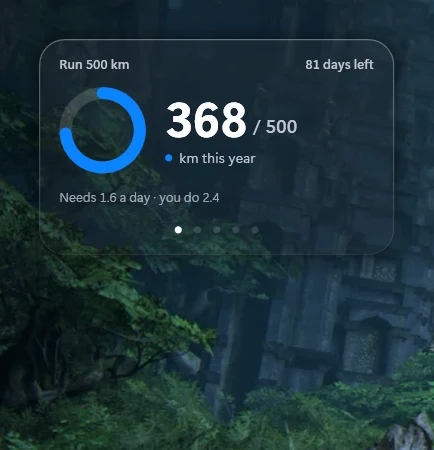
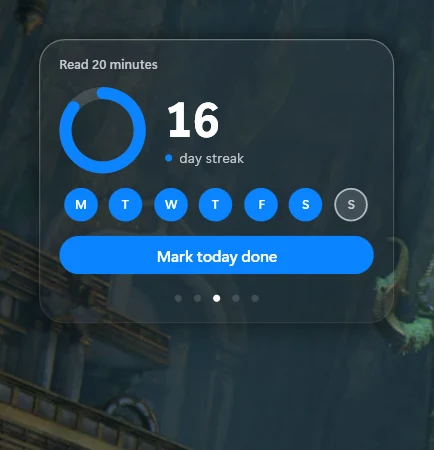
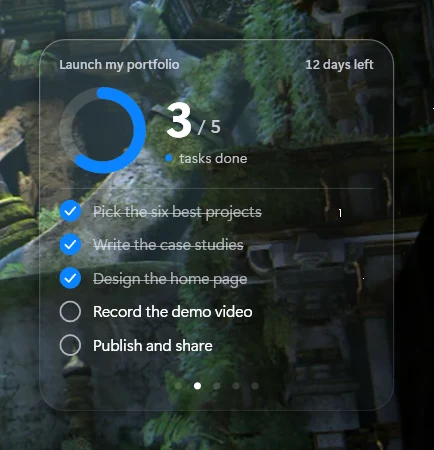
One window for your goals, another to make it yours, and a different card for each way of measuring.
What’s new
Version 1.0 · October 2026
Seven ways to measure
Counter, checklist, habit, countdown, timer, limit and range. Each goal in the shape it needs.
On top of everything
It floats over any window. In game mode clicks pass through it, and you unlock it by pressing and holding.
Your pace, in view
Thirty days of history, your daily average and a gentle reminder on the days you have not moved yet.
- CtrlAltA
One shortcut away
Ctrl + Alt + A shows and hides it without leaving what you are doing.
Make it yours
Size, colour, transparency and theme. Drag to reorder your goals, archive the ones you finish and share your progress as an image.
No account, no cloud
Your goals stay on your computer. Aim asks for no sign-up and sends none of your data: it only checks once a day for a newer version.
Tell us
Aim is made by very few people. What you write reaches whoever codes it.